

- Home
- News
- AI Insights
- AI Tools in Product Photo Retouching: What Actually Works
AI Tools in Product Photo Retouching: What Actually Works
- Published:
- 2025-11-12 10:00:00
- Source:
- AIMI Visual Media
- Reading Time:
- 2 min read
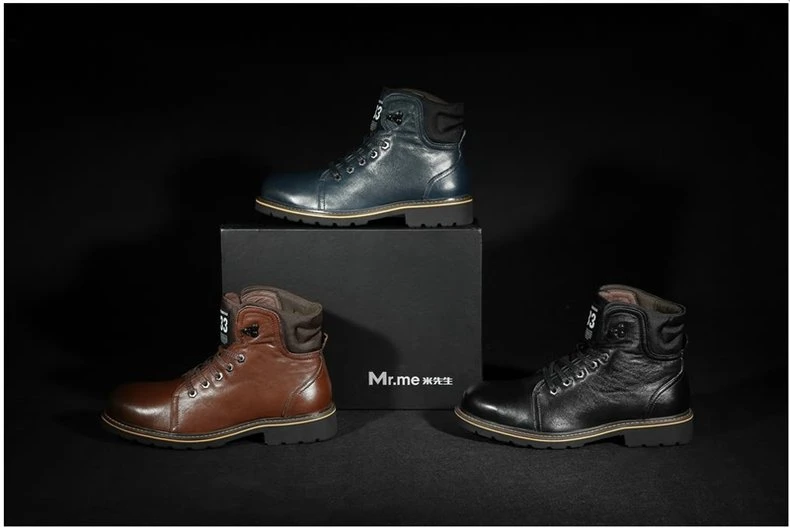
The most underrated AI revolution in our industry isn't image generation — it's retouching automation. Tools that used to require a senior retoucher's full attention can now be handled in seconds, freeing the team for work that actually moves the needle. Here is a candid look at what we use in our Guangzhou studio every day.
Background Removal: Solved
Five years ago, cleanly cutting a fluffy product (a sweater, a textured pillow, anything with fine edges) out of its background could eat an hour per image. Today, AI-powered masking tools handle 95% of cases in under five seconds with edge quality indistinguishable from manual work. Our team uses a combination of Photoshop's Select Subject and a dedicated AI masking plugin for difficult cases (transparent glass, hair, fine fur).
Focus Stacking and Composite Assembly
For macro product work shot at f/8 or wider, focus stacking is now AI-assisted at the alignment stage. Helicon Focus and Photoshop's stack mode both leverage AI-based alignment that handles slight subject movement between frames — something that used to produce ghosting and require manual rebuilds.
Colour Matching Across Variants
One of the most labour-intensive retouching tasks for fashion and beauty: matching a product photographed on day one to the same product re-photographed on day three under slightly different lighting. AI-based colour transfer tools (using LAB-space matching) make this near-automatic, with senior review for the final pass.
Skin Retouching with Texture Preservation
For model-on-figure work — apparel, swimwear, accessories — frequency-separation skin retouching used to be the slowest part of the pipeline. AI-aware skin tools now handle even-tone correction while preserving natural skin texture, which is both faster and (more importantly) less likely to over-retouch. Body-shape and feature-altering uses of AI retouching are deliberately off-limits in our pipeline.
What We've Stopped Using
Two areas where AI tools we initially adopted didn't hold up:
- AI upscaling for hero deliverables — we now require shooting native resolution. Upscaled output is great for previews but introduces subtle artefacts that show up at billboard scale.
- AI noise reduction at default settings — too aggressive on product detail. We use it selectively with manual masking.
The Human Layer Still Matters
AI has compressed routine retouching by 60-70% in our pipeline. But every final image still goes through senior creative review before delivery. Tools change; the bar for delivery doesn't.
If you want to understand how we balance speed and craft on your project, talk to our team.
 MaggieCreative Director