

Amazon Product Photography Cost Guide 2026: Complete Price Breakdown & ROI Calculator
- Published:
- 2026-07-01 10:00:00
- Source:
- AIMI Visual Media
- Reading Time:
- 15 min read
Amazon Product Photography Cost Analysis 2026
Table of Contents
1. Introduction: Why Cost Matters More Than You Think
2. Chapter 1: 2026 Amazon Product Photography Pricing Overview
3. Chapter 2: Three Main Approaches: Cost Comparison
4. Chapter 3: Pricing by Product Category
5. Chapter 4: Pricing by Service Type
6. Chapter 5: Hidden Costs & Common Pitfalls
7. Chapter 6: How to Calculate Your Photography ROI
8. Chapter 7: 5 Proven Ways to Save Money
9. Conclusion: Choosing the Right Option for Your Business
10. Frequently Asked Questions
Introduction: Why Cost Matters More Than You Think
For Amazon sellers, product photography is not an expense—it is an investment. But how much should you actually spend? And more importantly, how do you know if you are getting good value for your money?
In 2026, the Amazon product photography market has become significantly more complex. With the rise of AI generation, hybrid workflows, and specialized category studios, pricing varies dramatically—from $20 per image to $500+ per image. Understanding what drives these price differences is essential to making smart budgeting decisions.
In our experience working with Amazon sellers, many overpay for product photography—either by choosing services that exceed their needs or by not accounting for hidden costs. At the same time, a meaningful share of sellers underinvest in photography, resulting in conversion rates well below what their products could achieve.
Key Insight
Chapter 1: 2026 Amazon Product Photography Pricing Overview
Before diving into specific numbers, it is important to understand the overall pricing landscape and the factors that determine how much you will pay.
1.1 Industry Price Range Overview
Amazon product photography pricing in 2026 spans a wide range. The overall landscape:
| Price Tier | Cost Per Image | Typical Use Case | Best For |
|---|---|---|---|
| Budget | $10-$30 | Simple white background, basic retouching | New sellers, low-value products, testing |
| Entry | $30-$80 | Professional lighting, clean retouching | Growing sellers, standard products |
| Mid-Range | $80-$150 | Studio quality, advanced retouching, lifestyle options | Established brands, mid-to-high value products |
| Premium | $150-$300 | High-end studio, creative direction, full post-production | Premium brands, high-value products, flagship listings |
| Luxury | $300-$500+ | Top-tier studio, creative team, full production | Luxury brands, high-ticket items, brand building |
| AI Hybrid | $20-$80 | Real base photos + AI scene generation | All sellers needing multiple scene images |
1.2 Six Factors That Determine Pricing
Six Key Factors Affecting Product Photography Pricing
Understanding these six factors will help you estimate costs accurately and avoid surprises:
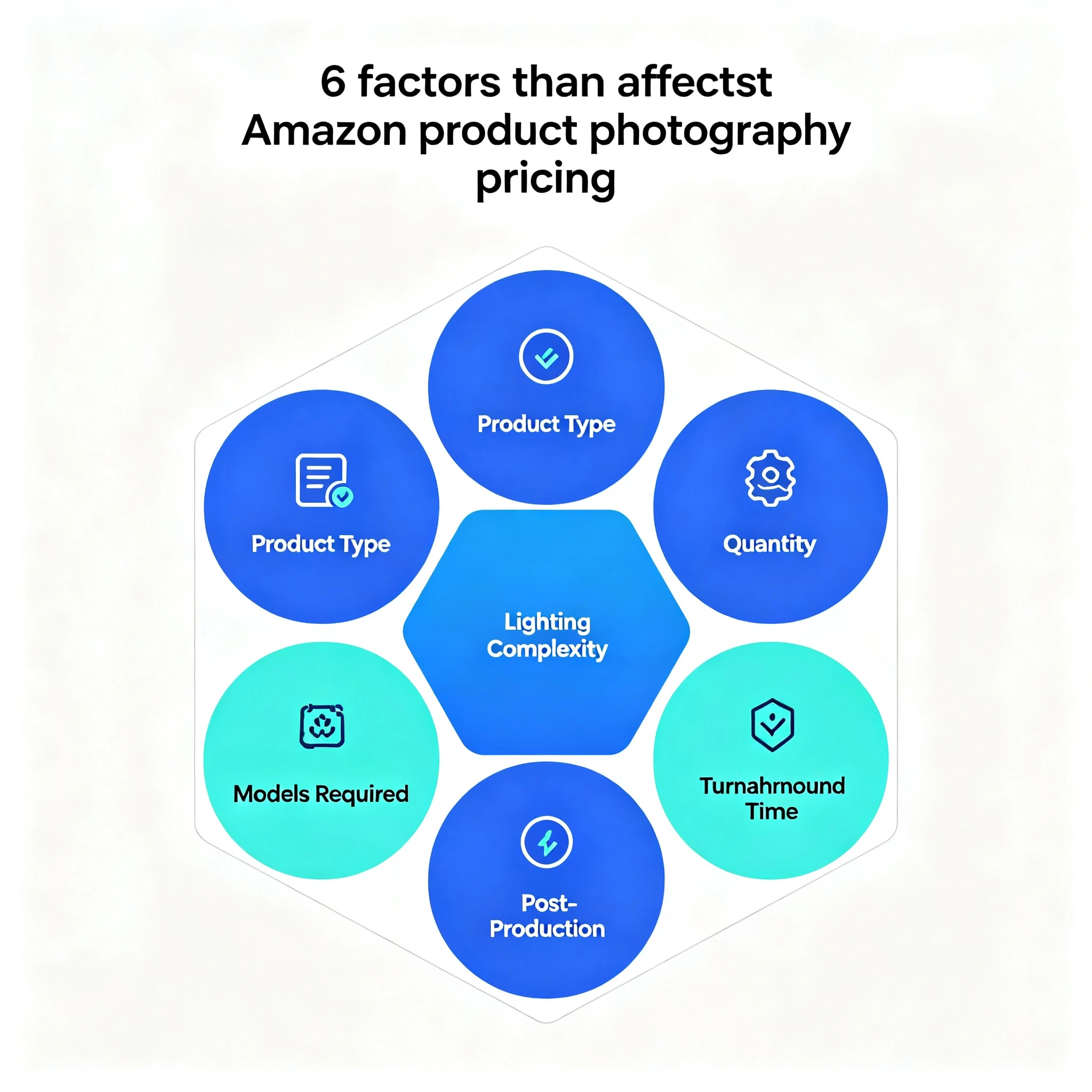
- Product Category & Complexity: Reflective products (metal, glass), apparel with models, and jewelry all cost more than simple plastic items due to lighting difficulty and retouching time.
- Number of Images: Most studios offer volume discounts. Ordering 20 images costs less per image than ordering 5.
- Lighting & Setup Complexity: Simple white background is cheapest. Lifestyle scenes, model shoots, and special effects add cost.
- Models & Talent: Adding models increases cost significantly—typically $200-$2,000 per day plus usage fees.
- Post-Production Level: Basic color correction is included in most packages. Advanced retouching, compositing, and infographic design add cost.
- Turnaround Time: Rush orders (24-48 hour turnaround) usually cost 30%-50% more than standard 5-7 day delivery.
1.3 Pricing Models Explained
Different studios use different pricing models. Understanding which model you are being quoted under is essential for accurate comparison:
- Per-Image Pricing: The most common model. You pay a set price for each final image delivered. Simple and easy to compare.
- Per-Product Pricing: Flat rate per product, includes a set number of images. Good if you need a standard package for each SKU.
- Hourly Pricing: Charged by the hour of studio time. Can be cost-effective for simple products but risky for complex ones.
- Day Rate: Flat rate for a full day of shooting. Best for large batches of products (20+ SKUs).
- Package Pricing: Bundled packages (e.g., "Starter Package: 10 images for $499"). Good for beginners but watch for hidden add-ons.
- Subscription / Retainer: Monthly fee for ongoing photography needs. Best for sellers launching new products regularly.
Chapter 2: Three Main Approaches: Cost Comparison
There are three main approaches to Amazon product photography, each with very different cost structures and use cases. Understanding the trade-offs is the first step to making the right choice.
2.1 Side-by-Side Cost Comparison
Three Photography Approaches: Cost & Value Comparison
| Factor | DIY / In-House | Traditional Studio | Hybrid AI Photography |
|---|---|---|---|
| Initial Setup Cost | $200-$2,000 | $0 (pay per project) | $0 (pay per project) |
| Cost Per Image | $5-$20 (time + equipment) | $50-$200 | $30-$80 |
| Quality Ceiling | Low to Medium | High to Very High | Medium to High |
| Learning Curve | Steep (months to master) | None | None |
| Time Investment | High (hours per product) | Low (just brief the studio) | Low |
| Scalability | Limited by your time | Good (studio has capacity) | Excellent (AI scales fast) |
| Best For | Simple products, small batches, tight budget | Premium brands, complex products | Most sellers, multiple scenes needed |
| Main Images | Possible but risky for compliance | Excellent (guaranteed compliant) | Excellent (real photo base) |
| Lifestyle Images | Very difficult and time-consuming | Good but expensive | Excellent (AI generates scenes cheaply) |
| Typical ROI Timeline | 6-12 months | 1-3 months | 2-4 weeks |
2.2 DIY / In-House: Full Cost Breakdown
While DIY photography seems cheap on the surface, the true cost is often much higher when you account for equipment, time, and opportunity cost.
Equipment Costs (One-Time):
- Camera (entry-level DSLR/mirrorless): $400-$800
- Lenses (50mm prime + macro): $200-$500
- Lighting (2-3 softbox kit): $100-$300
- Background system (white PVC + stands): $50-$150
- Tripod + shooting table: $50-$150
- Accessories (reflector, gray card, etc.): $50-$100
- Total Equipment: $850-$2,000
Time Costs (Per Product):
- Setup and prep: 30-60 minutes
- Shooting (5-10 images): 1-2 hours
- Post-production: 1-3 hours
- Total Time: 2.5-6 hours per product
If you value your time at $50/hour (conservative for a business owner), the labor cost alone is $125-$300 per product. Add equipment amortization, and DIY is often more expensive than hiring a mid-range studio—with lower quality results.
Common DIY Mistake
2.3 Traditional Studio: What You Are Paying For
Traditional photography studios charge more, but you are paying for expertise, equipment, and guaranteed results. A typical studio rate includes:
- Equipment amortization: Professional cameras ($2,000-$5,000), lenses ($500-$2,000 each), lighting systems ($1,000-$5,000)
- Photographer time: Professional photographers charge $75-$250/hour for their skill and experience
- Studio space: Rent, utilities, insurance for a dedicated shooting space
- Post-production: Professional retouchers at $30-$80/hour
- Quality guarantee: If you are not happy, they reshoot. This assurance has value.
- Compliance knowledge: They know Amazon rules and guarantee images will pass review
2.4 Hybrid AI Photography: The New Value Leader
The hybrid approach—real photography for base images + AI generation for scene variations—has rapidly become the best value option for most Amazon sellers in 2026.
The economics work like this:
- Base product shoot (real photography): $300-$800 per product
- AI scene generation: $10-$30 per additional image
- Traditional lifestyle shoot: $100-$300 per additional image
- Savings: 70%-85% on lifestyle and scene images
For a typical product needing 1 white background main image + 4 lifestyle/scene images:
| Component | Traditional Studio | Hybrid AI Approach |
|---|---|---|
| Main image (white bg) | $100 | $100 (real photo) |
| 4 lifestyle/scene images | $400-$1,200 ($100-$300 each) | $80-$120 ($20-$30 each) |
| Total for 5 images | $500-$1,300 | $180-$220 |
| Savings | — | 64%-85% |
Chapter 3: Pricing by Product Category
Product category is the single biggest factor in photography pricing. Different materials and product types require vastly different lighting setups, shooting time, and post-production work.
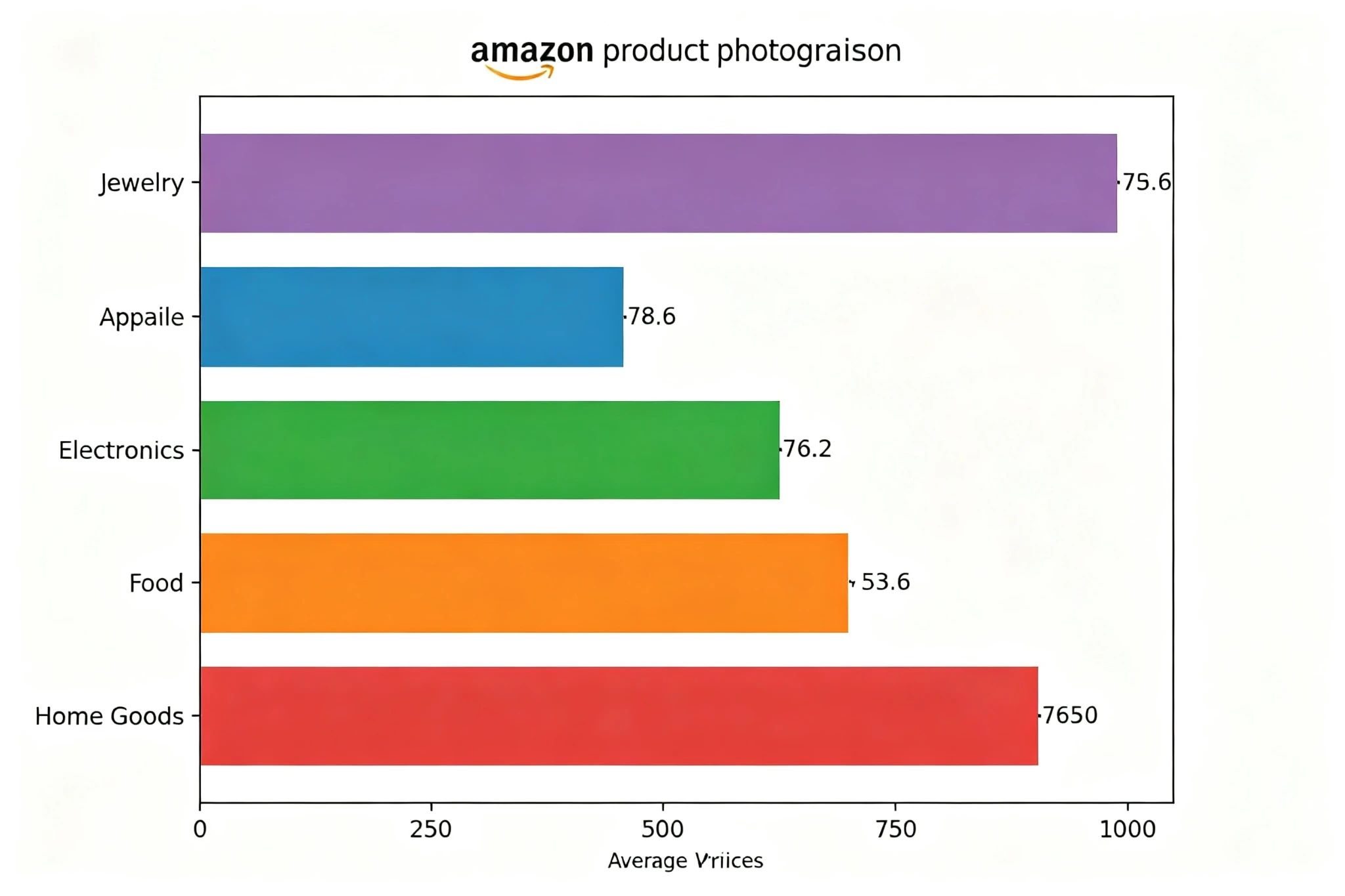
Average Pricing by Product Category (Per Image)
| Category | White Background | Lifestyle | With Model | Why It Costs More/Less |
|---|---|---|---|---|
| Simple Plastic / Basic Goods | $25-$50 | $50-$100 | — | Easy lighting, simple retouching |
| 3C Electronics | $40-$80 | $80-$150 | — | Reflective surfaces, precise lighting needed |
| Home & Kitchen | $35-$70 | $70-$130 | — | Moderate complexity, scene setup time |
| Beauty & Cosmetics | $50-$100 | $100-$200 | $150-$300 | Texture detail critical, premium aesthetic |
| Apparel & Fashion | $40-$80 | $80-$150 | $100-$250+ | Flat lays are cheap; model shots add cost |
| Jewelry & Accessories | $80-$150 | $150-$250 | — | Macro photography, reflection control, detailed retouching |
| Food & Grocery | $60-$120 | $100-$200 | — | Food styling, freshness timing, appetizing lighting |
3.1 Jewelry: The Most Expensive Per Image
Jewelry photography commands premium pricing for several reasons:
- Macro photography: Requires specialized macro lenses and precise focusing
- Reflection control: Metal and gemstones are highly reflective; requires tents, black cards, and precise light placement
- Detail retouching: Every dust speck, scratch, and imperfection must be retouched
- Focus stacking: Often requires multiple focus points combined for full product sharpness
- Color accuracy: Gemstone colors must be precise—wrong colors lead to returns
3.2 Apparel: Wide Range Depending on Approach
Apparel photography has the widest price range because there are multiple approaches with very different costs:
- Flat lay: $25-$50 per image. Cheapest option, but lowest conversion rate
- Mannequin: $40-$80 per image. Better shape than flat lay, but still impersonal
- Ghost mannequin: $60-$120 per image. 3D effect, shows fit without model distraction
- Model on white: $80-$150 per image. Shows fit and style
- Model lifestyle: $150-$300+ per image. Highest conversion, highest cost
3.3 Food: Styling Adds Cost
Food photography costs more because it often requires a food stylist in addition to the photographer. Making food look appetizing requires professional styling—fresh ingredients, perfect plating, steam effects, and more. Expect to pay a food stylist $150-$300 per day on top of photography rates.
Chapter 4: Pricing by Service Type
Beyond per-image rates, there are various add-on services that contribute to total cost. Understanding what each service costs helps you budget accurately.
| Service Type | Typical Price Range | Notes |
|---|---|---|
| White Background Main Image | $25-$150 | Most basic service; Amazon compliance guaranteed |
| Additional Angles / Views | $20-$100 each | Cheaper per image than main image; same setup |
| Detail Close-up Shots | $20-$80 each | Macro or detail crops from existing shots |
| Lifestyle / Scene Image | $50-$300 each | Depends on scene complexity; AI hybrid is cheaper |
| Model Photography | $100-$300+ per image | Includes model fee, usage rights, and shooting time |
| Infographic / Text Overlay | $30-$100 per image | Design work on top of photography |
| Before/After Comparison | $50-$150 per image | Requires two setups + compositing |
| 360° Product Spin | $100-$300 per product | Specialized equipment; great for conversion |
| Product Video (30-60 sec) | $300-$1,500 | Fast-growing format; higher engagement |
4.1 Model Fees: Understanding the True Cost
Model photography is often the biggest line item surprise. Model pricing includes several components:
- Model rate: $150-$500+ per day (amateur vs. professional vs. influencer)
- Usage rights: Commercial usage on Amazon adds 50%-200% on top of model rate
- MUA (Makeup Artist): $100-$300 per day
- Wardrobe stylist: $100-$300 per day (if needed)
- Studio time: Model shoots take longer per image
- Post-production: Skin retouching is more time-consuming than product retouching
Tip: For Amazon product photography, you usually do not need professional fashion models. Lifestyle models or even amateur models with the right look can be 50%-70% cheaper and work perfectly for e-commerce.
4.2 Rush Fees & Expedited Service
Need photos fast? Expect to pay a premium:
- Standard turnaround (5-7 business days): No extra charge
- Expedited (3 business days): +20%-30%
- Rush (2 business days): +30%-50%
- Same-day / Next-day: +50%-100%
Planning Tip
Chapter 5: Hidden Costs & Common Pitfalls
The quoted price is rarely the final price. The most common hidden costs catch sellers by surprise.
5.1 Revision & Reshoot Fees
Most studios include 1-2 rounds of minor revisions. Beyond that, you pay extra:
- Minor adjustments (color, crop): Often included (1-2 rounds)
- Major retouching changes: $20-$50 per image
- Full reshoot: 50%-100% of original cost
- Change of direction mid-project: Usually billed hourly
5.2 Usage Rights & Licensing
This is the most commonly misunderstood area. When you pay for product photography, what do you actually own?
- What is usually included: Usage on Amazon, your website, and marketing materials. Most studios grant unlimited e-commerce usage rights.
- What may cost extra: Print advertising, billboards, TV commercials, packaging. These usually require an additional license fee.
- Model usage: Even if the studio owns the photos, model usage rights are separate. Make sure the quote includes commercial e-commerce usage rights for models.
- Copyright: The photographer usually retains copyright unless you specifically negotiate a "work for hire" or copyright transfer. This is normal and does not affect your ability to use the images.
5.3 Shipping & Product Handling
Do not forget the logistics costs:
- Shipping products to the studio: You pay both ways in most cases
- Product handling fees: Some studios charge $5-$20 per product for unpacking, cleaning, and repacking
- Insurance: High-value products may require additional insurance coverage
- Return shipping: Especially important if you need products back after shooting
5.4 The Biggest Hidden Cost: Poor Quality
The most expensive photography is photography that does not work. Bad photos cost you in:
- Lower conversion rate: 20%-50% lower sales than professionally shot products
- Higher return rate: Misleading or inaccurate images lead to more returns
- Wasted ad spend: You pay for clicks that do not convert because your images are weak
- Brand damage: Poor-quality images make your brand look cheap and untrustworthy
- Reshoot cost: You end up paying twice—once for bad photos, once for good ones
Warning
Chapter 6: How to Calculate Your Photography ROI
The most important question is "how much will it make me?" rather than "how much does it cost?" This is how to calculate the return on your photography investment.
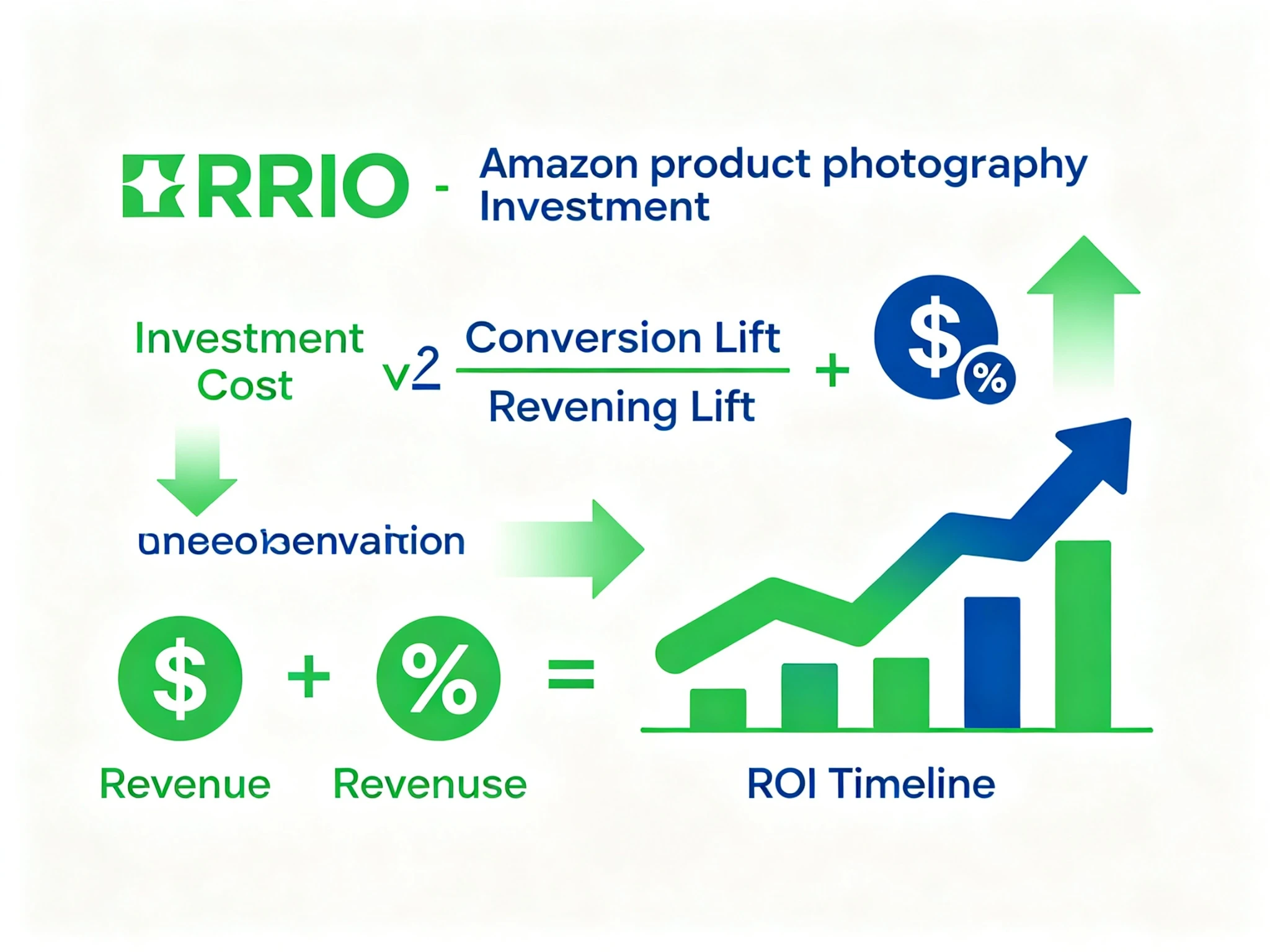
ROI Calculation Framework for Product Photography Investment
6.1 The Basic ROI Formula
A simple formula to calculate photography ROI:
ROI = (Incremental Profit from Better Photos - Photography Cost) ÷ Photography Cost × 100%
Consider this real example:
Example Scenario:
- Current monthly sales: 200 units
- Current conversion rate: 8%
- Average order value: $50
- Gross profit margin: 40% ($20 profit per unit)
- Photography investment: $1,000
- Expected conversion lift from better photos: 25% (conservative estimate)
Calculation:
- Current monthly profit from product: 200 units × $20 = $4,000
- New conversion rate: 8% × 1.25 = 10%
- New monthly sales: 200 × (10% ÷ 8%) = 250 units
- New monthly profit: 250 × $20 = $5,000
- Monthly profit increase: $5,000 - $4,000 = $1,000
- ROI payback period: 1 month
- First-year ROI: ($1,000 × 12 - $1,000) ÷ $1,000 = 1,100%
6.2 Conservative vs. Aggressive Estimates
Conversion lift from better photography varies by category and starting point. Realistic ranges:
| Starting Point | Conservative Lift | Moderate Lift | Aggressive Lift |
|---|---|---|---|
| Very poor photos (phone, bad lighting) | 30% | 50% | 80%+ |
| Average / DIY photos | 15% | 25% | 40% |
| Good but not great studio photos | 10% | 15% | 25% |
| Already professional photos | 5% | 10% | 15% |
For ROI calculations, always use the conservative estimate. If the numbers work with conservative assumptions, the investment clearly makes sense. If they only work with aggressive estimates, proceed with caution.
6.3 Other ROI Factors to Consider
- Reduced return rate: Accurate product photography can reduce returns by 15%-25%, saving you return shipping and restocking costs
- Higher click-through rate: Better main images increase CTR, bringing more traffic at the same ad spend
- Better ad performance: Higher conversion rates lower your ACoS (Advertising Cost of Sale)
- Brand value: Professional imagery builds brand equity over time, supporting premium pricing
- Time saved: Not doing it yourself frees you to work on other revenue-generating activities
Chapter 7: 5 Proven Ways to Save Money
Want professional-quality photos without overspending? Five proven strategies to reduce photography costs without sacrificing quality:
7.1 Batch Your Products
This is the single biggest way to save money. Studios offer volume discounts because setup time is spread across more products.
- 1-5 products: Standard rate (no discount)
- 6-10 products: 10%-15% discount
- 11-20 products: 15%-25% discount
- 20+ products: 25%-40% discount
- Full-day shoot: Often the best value for 15+ products
Strategy: Instead of shooting 2 products this month and 3 next month, wait and shoot all 5 at once. You will save 10%-15% and only pay shipping once.
7.2 Use Hybrid AI for Lifestyle Images
As discussed in Chapter 2, using AI-generated lifestyle and scene images instead of traditional shoots can save 70%-85% on those images while maintaining quality.
The optimal mix for most products:
- Main image: Real photography (must be compliant and high quality)
- 2-3 detail/angle shots: Real photography
- 4-6 lifestyle/scene images: AI generation from real base photos
- Result: Professional quality at 40%-60% lower total cost
7.3 Prepare Your Products Thoroughly
Poorly prepared products lead to more retouching time, which adds cost. Save money by:
- Cleaning products thoroughly (no dust, fingerprints, or smudges)
- Removing all tags, stickers, and protective film
- Checking for defects (send perfect examples, not b-stock)
- Providing clear shot lists and reference images
- Being available for quick questions during shooting
Well-prepared products reduce shooting time and retouching needs, which studios often reward with lower rates.
7.4 Choose the Right Service Level
Do not pay for premium if you do not need premium. Match your photography level to your product price point:
| Product Price Point | Recommended Tier | Expected Cost | ROI Justification |
|---|---|---|---|
| Under $15 | Budget - Entry | $25-$50/image | Low margin cannot support expensive photography |
| $15-$50 | Entry - Mid-Range | $40-$80/image | Moderate margin; good ROI on mid-range |
| $50-$200 | Mid-Range - Premium | $80-$150/image | Solid margin supports quality investment |
| $200+ | Premium - Luxury | $150-$300+/image | High margin; perceived quality drives premium pricing |
7.5 Build Long-Term Relationships
Like any service, loyal customers get better rates and better service. Benefits of sticking with one studio:
- Preferred pricing (5%-15% discount for regular clients)
- Faster turnaround times
- Consistent style across all your products
- They learn your brand preferences, reducing briefing time
- Priority scheduling during busy seasons
- Flexibility on revisions and small changes
Pro Strategy
Conclusion: Choosing the Right Option for Your Business
There is no one "best" option for Amazon product photography. The right choice depends on your budget, product category, sales volume, and growth stage.
Quick Decision Framework:
- Just starting out, tight budget, simple products: Start with a budget studio or good DIY setup. Upgrade as sales grow.
- Established seller, 5+ products, mid-price range: Mid-range studio with hybrid AI for lifestyle images. Best balance of quality and cost.
- Premium brand, high-value products, brand building: Full-service premium studio. Quality is your competitive advantage.
- Large catalog (20+ SKUs), multiple scenes needed: Hybrid AI photography is the clear winner for cost-effective scaling.
- Apparel / fashion brand: Depends on price point, but model photography is usually worth the investment for conversion.
The most important thing is to think of product photography as an investment, not an expense. Calculate the ROI, use conservative estimates, and invest based on what the numbers tell you. When done right, professional product photography is one of the highest-ROI investments you can make in your Amazon business.
Ready to get started? Request quotes from 2-3 studios, send them this guide's pricing framework as a reference, and choose the partner that best fits your needs and budget.
Frequently Asked Questions
Q1: How much does Amazon product photography cost on average?
In 2026, the average cost per image ranges from $25 to $150 for most Amazon sellers. Budget options start at $10-$30 per image, while premium studios charge $150-$500+ per image. The average seller spends $500-$2,000 per product for a complete set of 5-9 images. The biggest factors affecting price are product category complexity, number of images, and whether models or lifestyle scenes are needed.
Q2: Is it cheaper to do product photography yourself or hire a professional?
While DIY seems cheaper upfront, it is usually not when you account for equipment costs, learning time, and opportunity cost. A basic DIY setup costs $800-$2,000, and each product takes 2.5-6 hours of your time. If you value your time at $50/hour, you are spending $125-$300 per product in labor alone—often more than hiring a mid-range studio. For simple products and very small batches, DIY can make sense. For most sellers, professional photography delivers better ROI.
Q3: What is hybrid AI product photography? Is it cheaper?
Hybrid AI product photography combines real photography for base product images with AI generation for lifestyle and scene variations. The real photos ensure quality and Amazon compliance, while AI generates multiple scene images at a fraction of the traditional cost. It is typically 40%-70% cheaper than traditional photography for products needing multiple scene images. For a product needing 1 main image + 4 lifestyle images, hybrid might cost $180-$220 vs. $500-$1,300 for traditional.
Q4: How many images do I need per Amazon listing?
Amazon allows up to 9 images per listing, and we recommend using all 9 for maximum conversion. A typical set includes: 1 main white background image, 2-3 additional angles/views, 1-2 detail close-ups, 2-3 lifestyle or scene images, and 1 infographic or comparison image. The exact number depends on your product category and complexity. More images generally lead to higher conversion, up to the 9-image limit.
Q5: What should be included in a product photography quote?
A comprehensive quote should include: number of final images, number of products, shooting style (white background, lifestyle, etc.), post-production included, number of revision rounds, turnaround time, usage rights, and any additional fees (rush, models, shipping). Be wary of quotes that seem too low—they may exclude retouching, charge extra for revisions, or have hidden fees. Always ask what is and is not included.
Q6: How long does product photography take?
Standard turnaround time is 5-7 business days from receipt of products and brief. Rush services can deliver in 2-3 business days for a 30%-50% premium. The exact timeline depends on the number of products, complexity, and the studio's schedule. For large projects (20+ products), expect 1-2 weeks. Always confirm the timeline before booking, especially if you have a launch deadline.
Q7: How do I calculate if professional photography is worth the investment?
Calculate the expected ROI: Estimate the conversion rate lift from better photos (use 15%-25% as a conservative range), multiply by your current monthly sales and profit margin to get monthly profit increase, then divide by the photography cost. Most sellers see payback in 1-3 months. For example: if you sell 200 units/month at $20 profit each, a 25% conversion lift from $1,000 photography generates $1,000/month in extra profit—recouping the cost in one month.
Q8: Can I use AI-generated images for my Amazon listing?
Amazon currently prohibits pure AI-generated main images, as they may be considered misleading. However, AI-generated secondary images (lifestyle scenes, backgrounds, etc.) are generally acceptable as long as they accurately represent the product and do not mislead customers. The safest approach is hybrid photography: real photos for main images and product accuracy, AI for scene expansion and creative variations. Always ensure product representation is accurate and compliant.
 JuneProduct Photography Team Lead