

Power Bank Product Photography
- Published:
- 2018-09-01 14:18:53
- Lead Photographer:
- June (Product Photography Team Lead)
- Source:
- AIMI Visual Media Co., Ltd.
- Last Updated:
- 2026-09-16 23:47:00
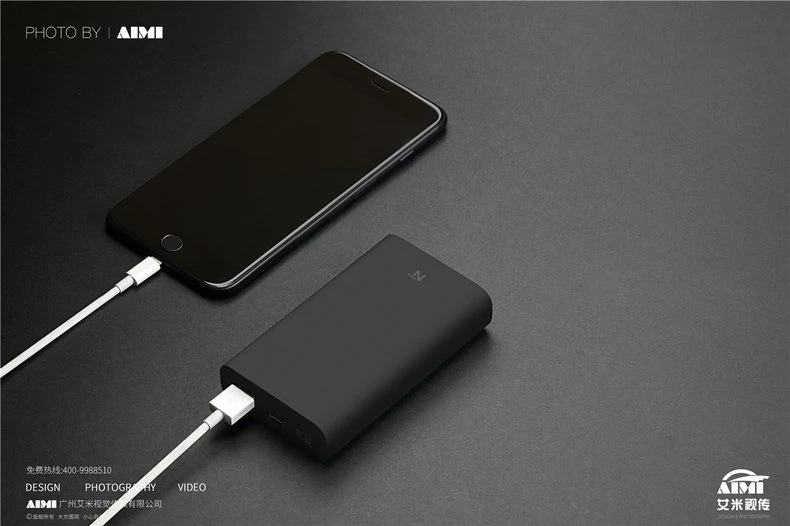
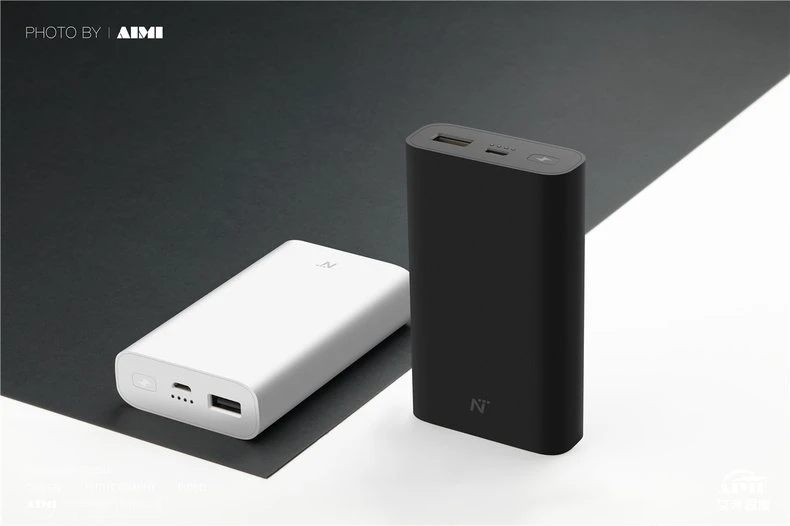
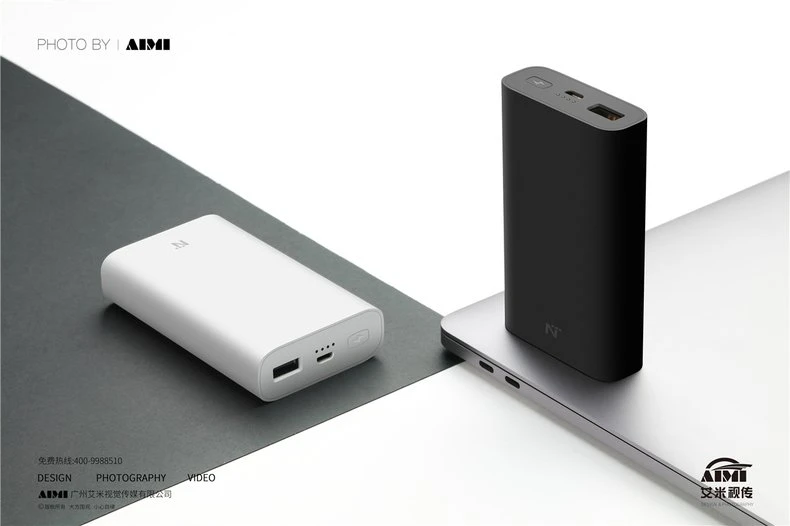
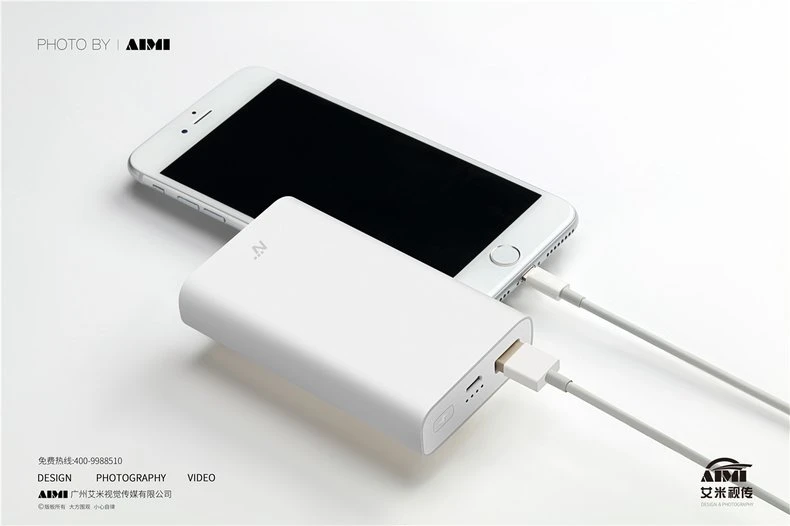
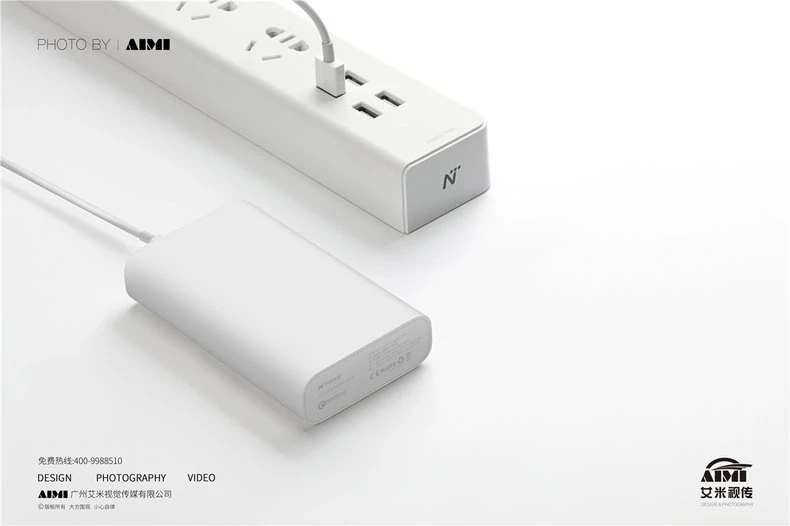
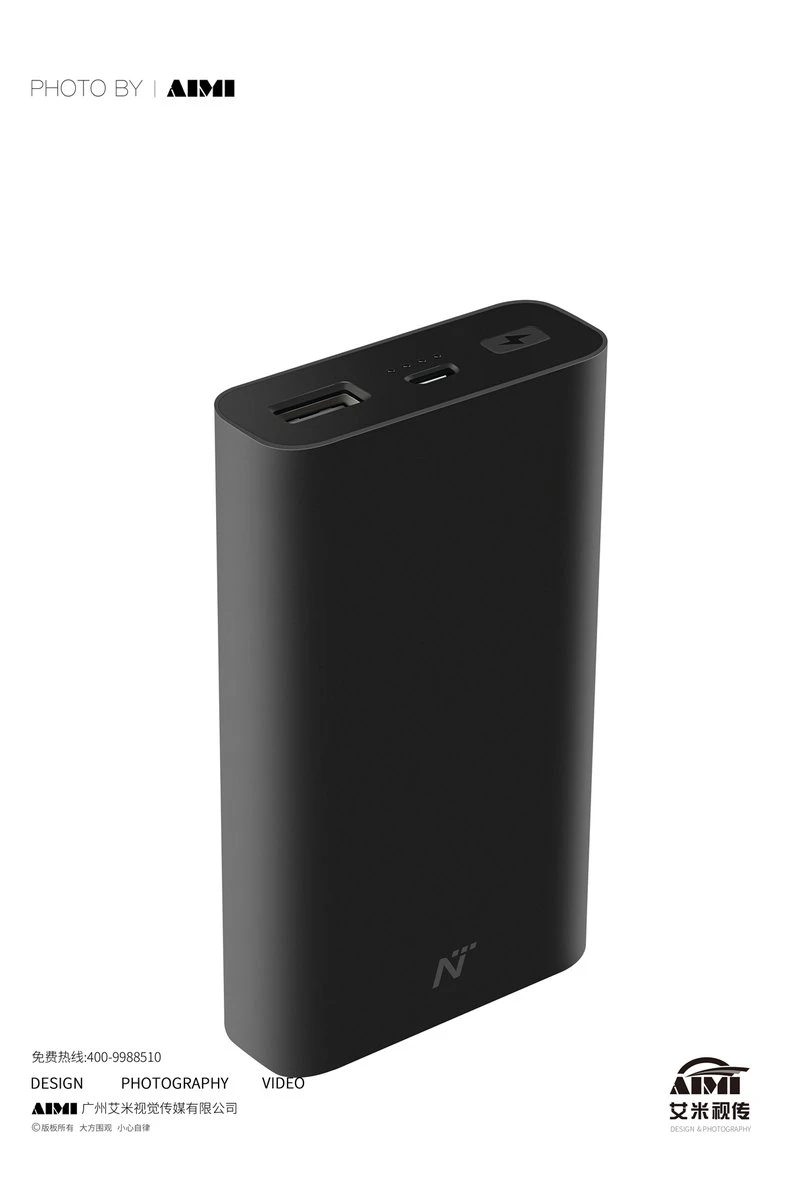
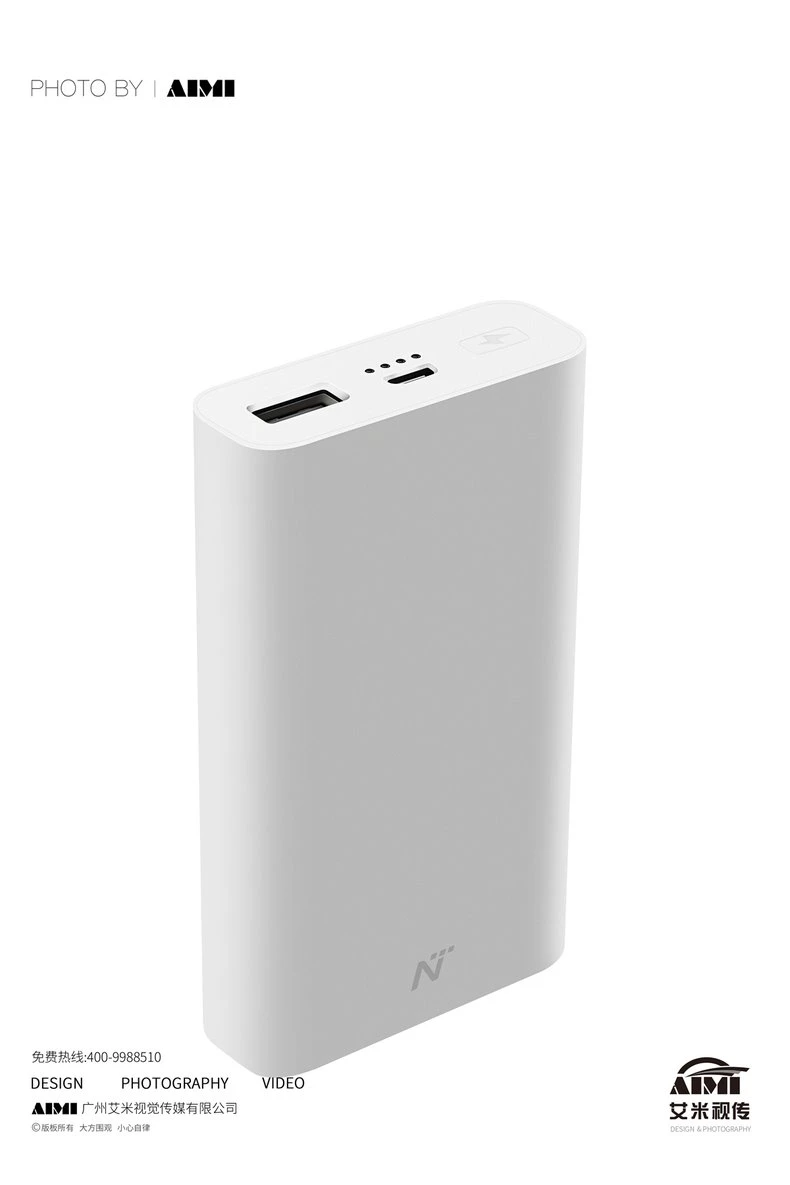
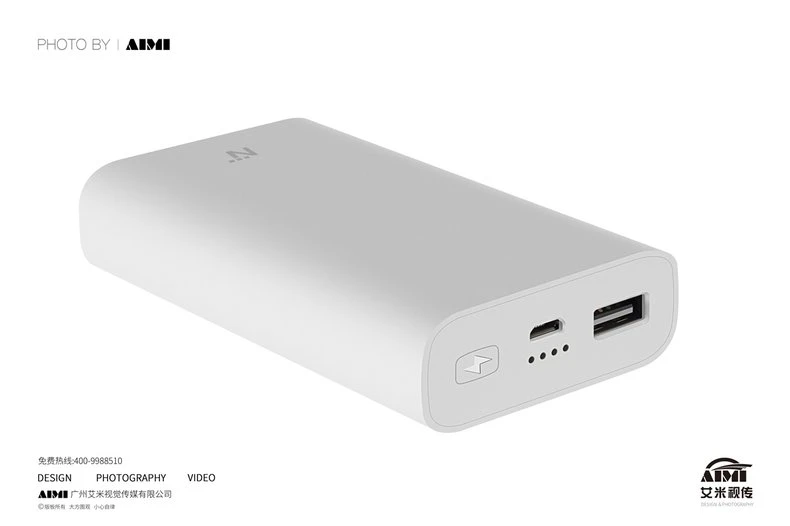
Eight frames for a power bank line in black and white: charging scenes with a phone, laptop and power strip that explain capacity by use case, then clean unit studies that put the port deck and status LEDs in view for spec readers.
▶ View full project details, specifications & FAQ
A power bank is a featureless brick until the frame explains it. This session split the gallery in two: use-case frames that show the product charging a phone, feeding a laptop or refilling from a power strip, and standalone studies where port layout and indicator LEDs answer the technical questions.
| Project Overview | |
|---|---|
| Product type | Power banks, compact and high-capacity, two colors |
| Deliverables | Eight frames from use-case scenes to unit studies |
| Shoot location | AIMI studio, Guangzhou |
| Styling | Charcoal and high-key sets with device props |
| Usage | Marketplace gallery and feature modules |
Photography Challenges
1. Matte plastic goes flat fast. Soft-touch matte bodies swallow light and lose their shape. A gentle directional key with flagged edges rebuilt the silhouette, so each unit reads as a rounded solid instead of a gray rectangle.
2. Cables must look used, not messy. Charging scenes need cables, and cables tangle into visual noise. Each lead was coiled, steamed and pinned into a clean curve that leads the eye from device to product deliberately.
3. Black units and white units want different sets. The black units sit on charcoal where their edges glow; the white units go high-key where their shadows define them. Two set treatments ran in one session with the same camera discipline.
Our Approach
Story before study
The gallery opens with charging scenes that answer what the product does, then moves to port and LED studies that answer how. Marketplace slots were mapped to frames before the shoot, not after.
Cable choreography
Every cable was shaped into a deliberate curve and pinned. It reads as natural in the final frame because the effort is invisible, which is the point.
Two-set session plan
Charcoal set for black SKUs, high-key set for white SKUs, swapped between frames. Both sets share camera height so the catalog still feels like one family.
"The plainer the product, the harder the frame has to work. A matte brick becomes a purchase when the scene shows what it does and the study shows how well it is made. Give it neither and it is just a brick." — June, Product Photography Team Lead
| Technical Specifications | |
|---|---|
| Camera | Full-frame mirrorless, 50-85mm equivalents |
| Lighting | Directional key with flagged edges on matte bodies |
| Sets | Charcoal and high-key treatments in one session |
| Props | Phone, laptop and power strip as use-case context |
| Output | Web-resolution masters, full gallery set |
Frequently Asked Questions
How do you make plain matte products look good?
With directional light and edge control. Matte bodies need a defined light direction and flagged edges to hold their shape, plus a set chosen for the product color: dark units on charcoal, light units high-key.
Can you include phones or laptops as props?
Yes. Device props explain capacity and compatibility faster than any caption. We manage cables carefully so the scene reads as in-use rather than untidy.
How many frames does an accessory line need?
Eight is a healthy gallery: three to four use-case scenes, then unit studies for ports, indicators and each colorway. We map frames to marketplace slots before shooting.
A plain product that needs to explain itself?
Send the line. We will build the use-case scenes and the unit studies in one session, and map every frame to its listing slot.
Get a Free Custom Quote View More Electronics CasesRelated services: Amazon FBA Photography · Near-Factory Photography
Related cases: Swivel USB Flash Drive Product Photography · Rose Gold Keyring USB Flash Drive Photography · Ultra-Slim Phone Case Product Photography
 Photography Insights
●Amazon Product Photography Requirements, Tips and How to Get It Done in China
- Amazon image rules for electronics listings: white main image, slot order and infographic limits.
●10 Product Photography Tips That Boost E-commerce Sales
- Ten image tips that lift conversion, from reflective-surface control to consistent SKU color.
●Amazon Product Photography Cost Guide 2026
- Realistic budget ranges for electronics photography, from white-background packs to lifestyle sets.
●How to Choose an Amazon Product Photography Service: A 12-Point Checklist for Sellers, Brand Owners, and Ecommerce Teams
- Twelve questions to ask before booking, including how a studio handles chrome, glass and glowing screens.
●Flat Lay Photography: Complete Guide for Beginners
- Flat lay fundamentals for tech accessories: spacing templates, surface choice and edge control.