

Swivel USB Flash Drive Product Photography
- Published:
- 2018-08-23 10:01:07
- Lead Photographer:
- June (Product Photography Team Lead)
- Source:
- AIMI Visual Media Co., Ltd.
- Last Updated:
- 2026-09-16 23:47:00
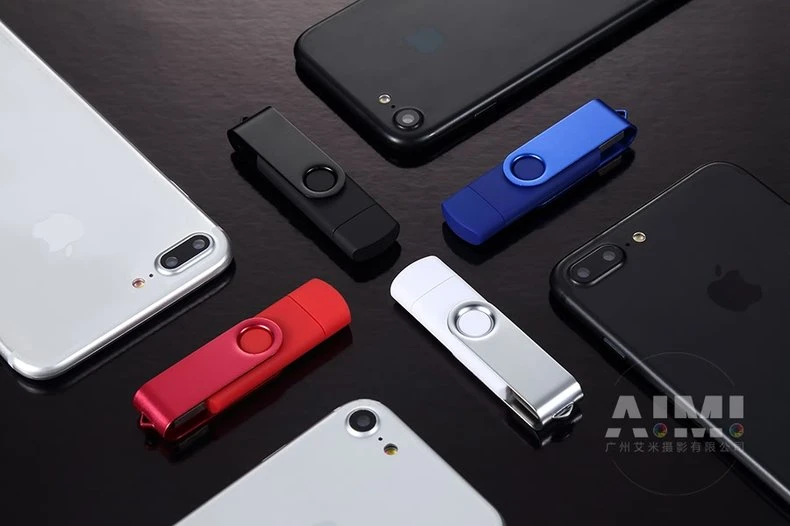
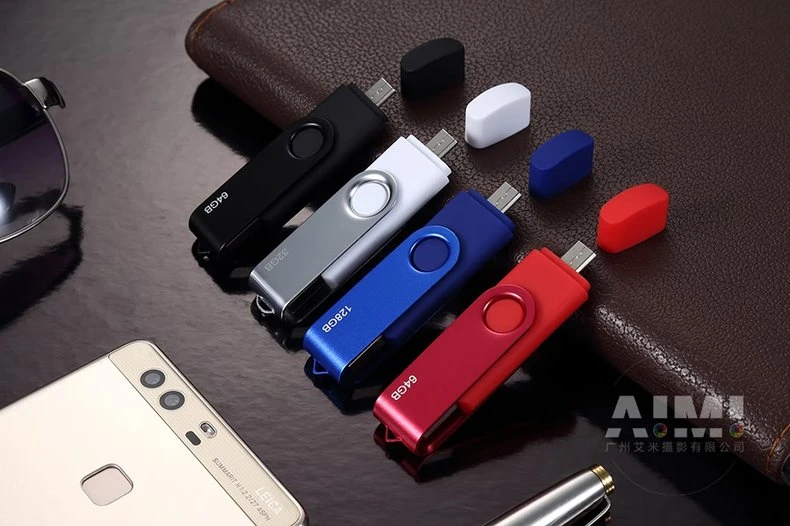
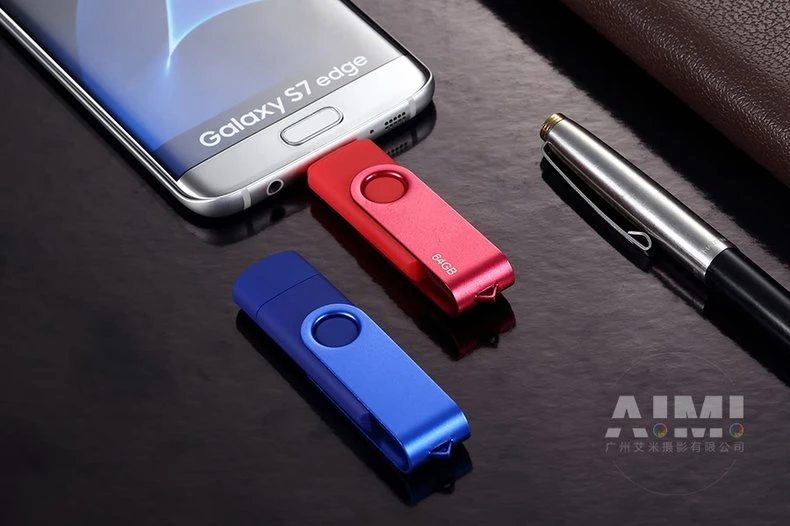
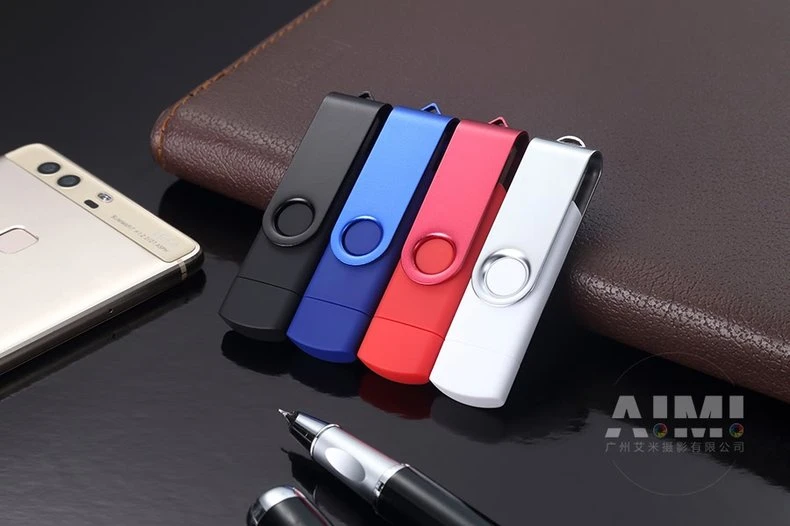
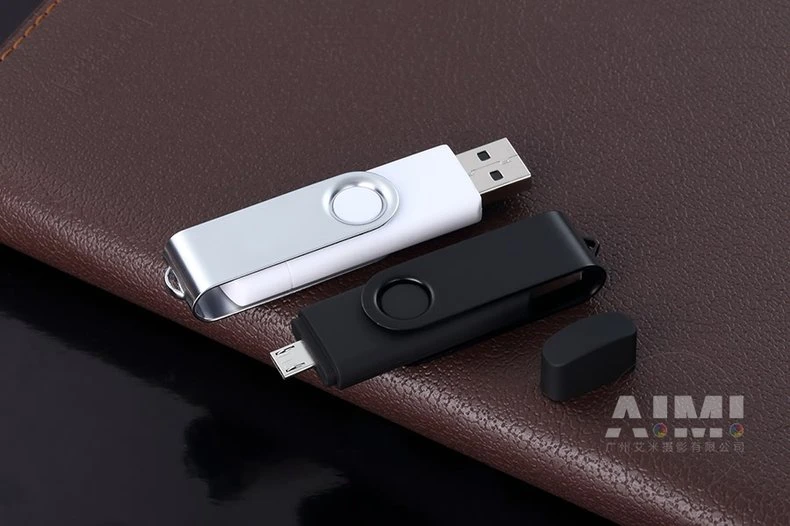
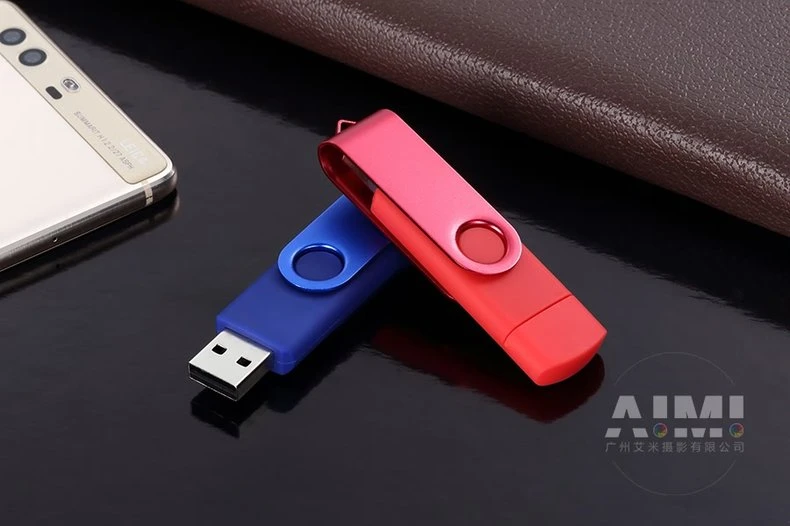
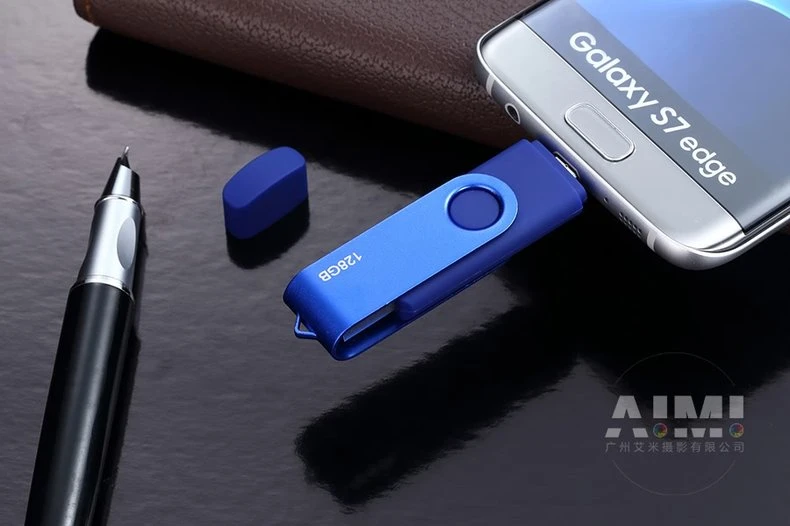
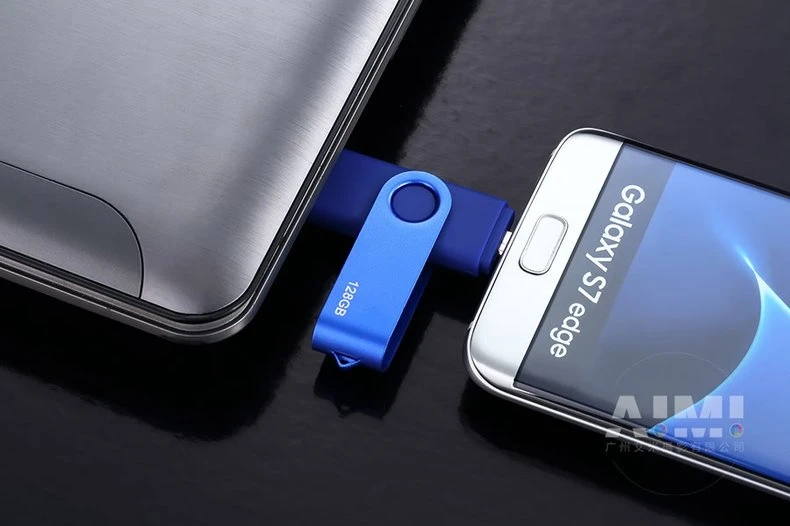
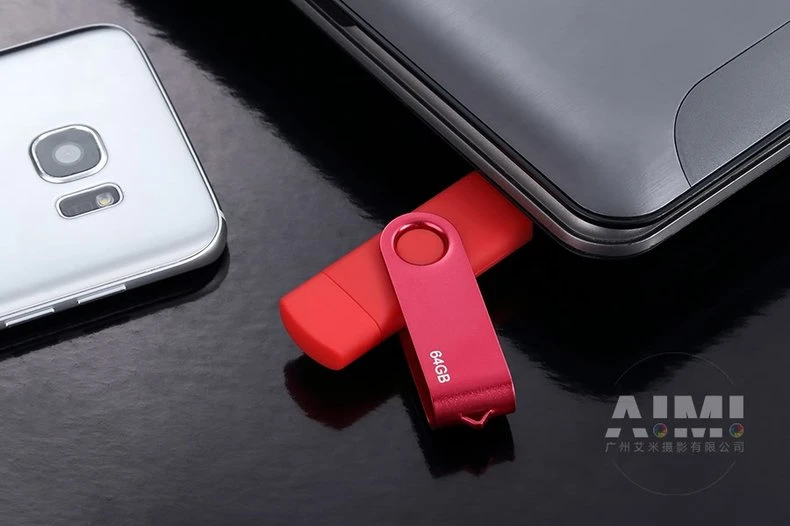
Nine frames for a swivel flash drive line in four colorways on a gloss black desk: lineup shots, connector details and OTG frames that show the drive plugged into a phone, all propped with leather, pens and era flagship handsets.
▶ View full project details, specifications & FAQ
This drive’s feature is the swivel and its dual phone-computer use, so the gallery was built to show both: color lineups on leather for the range story, connector close-ups for the build story, and frames with the drive actually plugged into a phone for the use case. The gloss black desk ties all nine into one campaign.
| Project Overview | |
|---|---|
| Product type | Swivel and capped USB flash drives, four colorways |
| Deliverables | Nine styled frames across lineup and use case |
| Shoot location | AIMI studio, Guangzhou |
| Styling | Gloss black desk, leather folio, phones and pens |
| Usage | Marketplace gallery, catalog and social |
Photography Challenges
1. Gloss black doubles every mistake. The reflective desk mirrors every prop, cable and softbox. The set was dressed knowing everything appears twice, and overhead diffusion was placed so its reflection runs as one clean gradient across the desk.
2. Four colors that must stay true. Black, blue, red and silver anodized finishes shift under mixed light. Neutral daylight-balanced sources and a color checker kept each colorway honest across all nine frames.
3. Showing the connector without the clutter. The extended USB connector frame and the plugged-in OTG frame both risk looking technical and messy. Each was composed tightly with props pulled back, so the mechanism is the subject, not the desk.
Our Approach
One desk, nine compositions
Leather folio, phones, pens and sunglasses were rearranged across nine frames on the same gloss desk. Prop continuity makes the gallery read as one shoot because it is one.
Color discipline
Daylight-balanced sources and a checker in test frames held all four anodized colorways to their true values, so the blue that ships is the blue on the page.
Use-case proof frames
The OTG frames plug the drive into a real phone, and one frame bridges phone and laptop. Buyers understand dual use instantly, no caption required.
"Small accessories are bought on clarity: what colors, what connectors, what does it plug into. Answer those three in frames and the listing writes itself." — June, Product Photography Team Lead
| Technical Specifications | |
|---|---|
| Camera | Full-frame DSLR, 60-105mm equivalents |
| Lighting | Overhead diffusion; daylight-balanced sources |
| Set | Gloss black desk with leather and device props |
| Color control | Checker-verified across four colorways |
| Output | Web-resolution masters, nine-frame gallery |
Frequently Asked Questions
Can you show a product in use without a model?
Yes. Device props do the work: the drive plugged into a phone or bridging a phone and laptop explains OTG use instantly. Hands or models can be added when the frame needs scale or warmth.
How do you photograph on a reflective black surface?
By dressing the set for double appearance. Every prop is placed knowing it mirrors, and overhead light is positioned so its reflection is one clean gradient instead of a glare map.
Can four colorways share one session?
Yes. All colorways rotate through the same sets with a color checker on set, so every color stays true and the gallery stays coherent.
A small accessory with a use case to prove?
Send the range. We will style the lineup, shoot the connector details, and plug it in for the frame that explains everything.
Get a Free Custom Quote View More Electronics CasesRelated services: Amazon FBA Photography · Near-Factory Photography
Related cases: Metal USB Flash Drive Multi-Scene Photography · Rose Gold Keyring USB Flash Drive Photography · Power Bank Product Photography
 Photography Insights
●10 Product Photography Tips That Boost E-commerce Sales
- Ten image tips that lift conversion, from reflective-surface control to consistent SKU color.
●The Complete Guide to Amazon Product Photography 2026: Authoritative Solutions from Compliance to High Conversion
- The 2026 Amazon image playbook covering compliance, secondary slots and lifestyle frames for electronics.
●How to Choose an Amazon Product Photography Service: A 12-Point Checklist for Sellers, Brand Owners, and Ecommerce Teams
- Twelve questions to ask before booking, including how a studio handles chrome, glass and glowing screens.
●Amazon Product Photography Cost Guide 2026
- Realistic budget ranges for electronics photography, from white-background packs to lifestyle sets.
●Flat Lay Photography: Complete Guide for Beginners
- Flat lay fundamentals for tech accessories: spacing templates, surface choice and edge control.